
Kate turns any photo — or cartoon, artwork, whatever you like — into a printable diamond painting pattern. Pick an image, tune the size and colours, fine-tune by hand, and print it at home. Offline, no ads, no sign-up.
Photos, cartoons, drawings, artwork — Kate matches your image to real drill colours using perceptual (CIELAB) colour matching, for true-to-life results.
All 454 DMC colours are built in, so every drill in your pattern maps to a real colour code you can buy.
Smart confetti reduction tidies away scattered stray drills, so your pattern is calmer and far more pleasant to work.
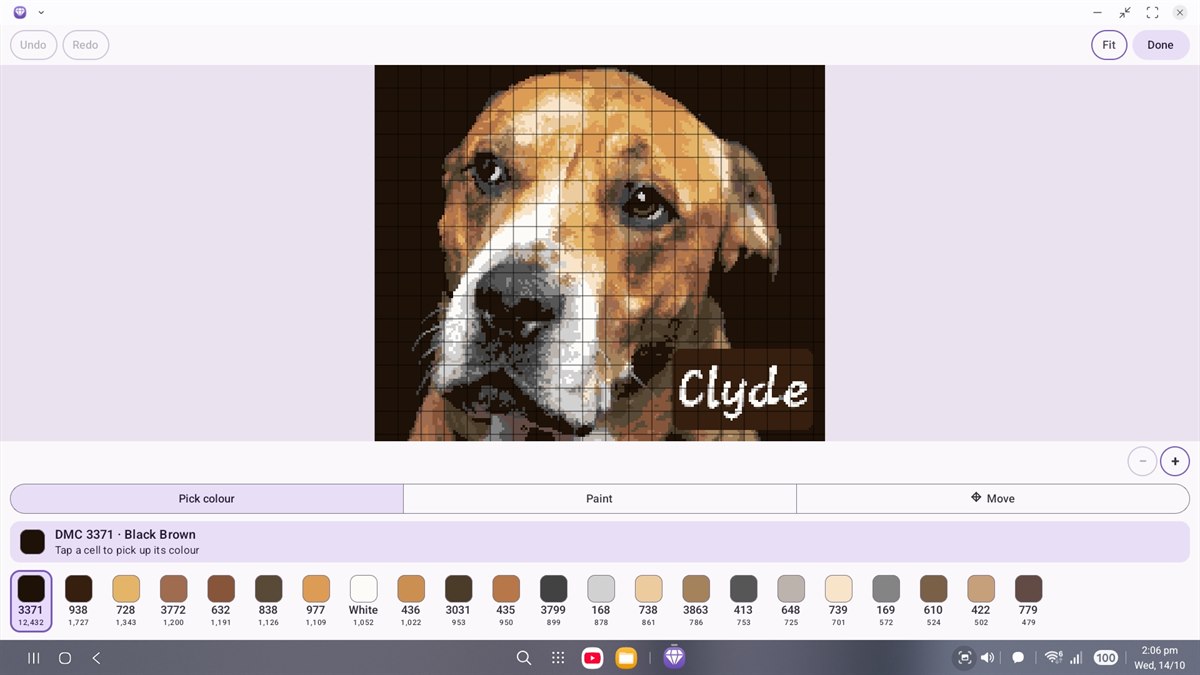
Zoom right in and recolour individual cells — fix a stray colour, sharpen an edge, make it exactly how you want.
A clear, readable working chart to follow as you go — or a true-size print-at-home kit to lay your drills on directly.
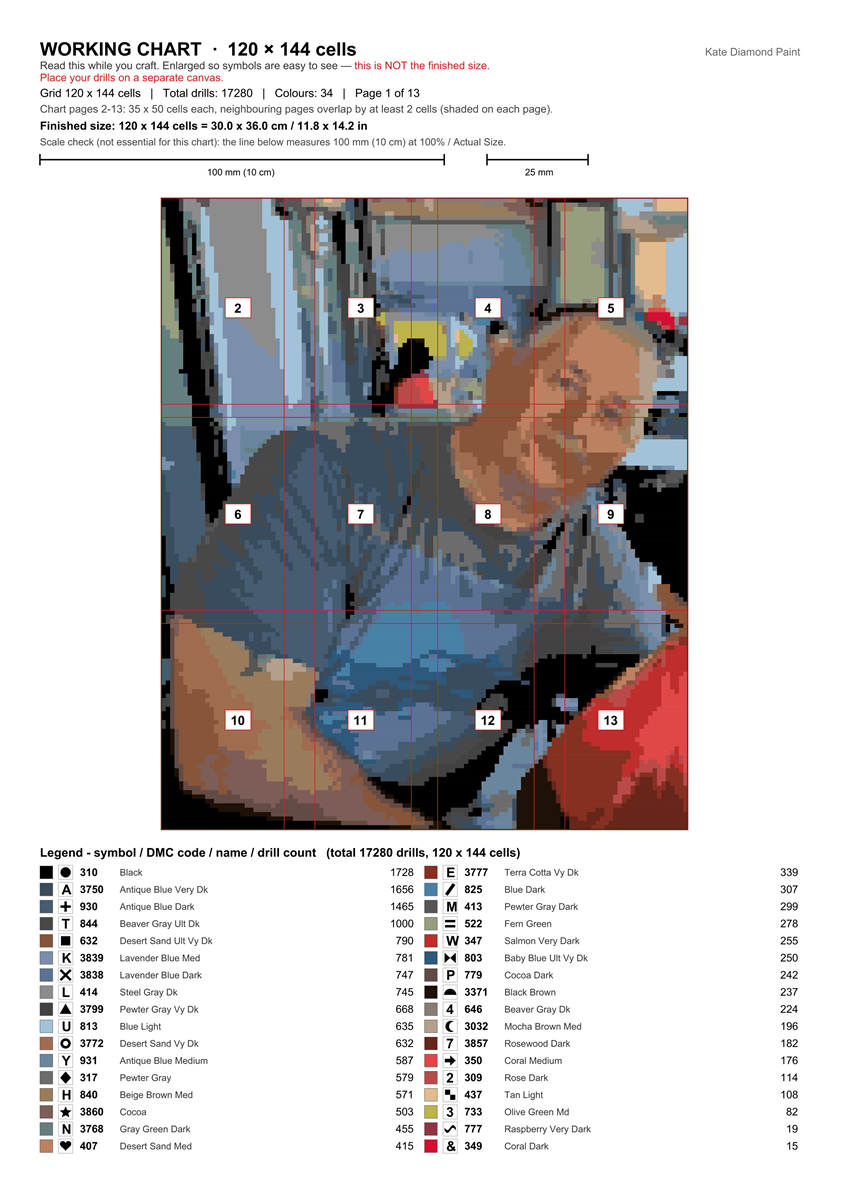
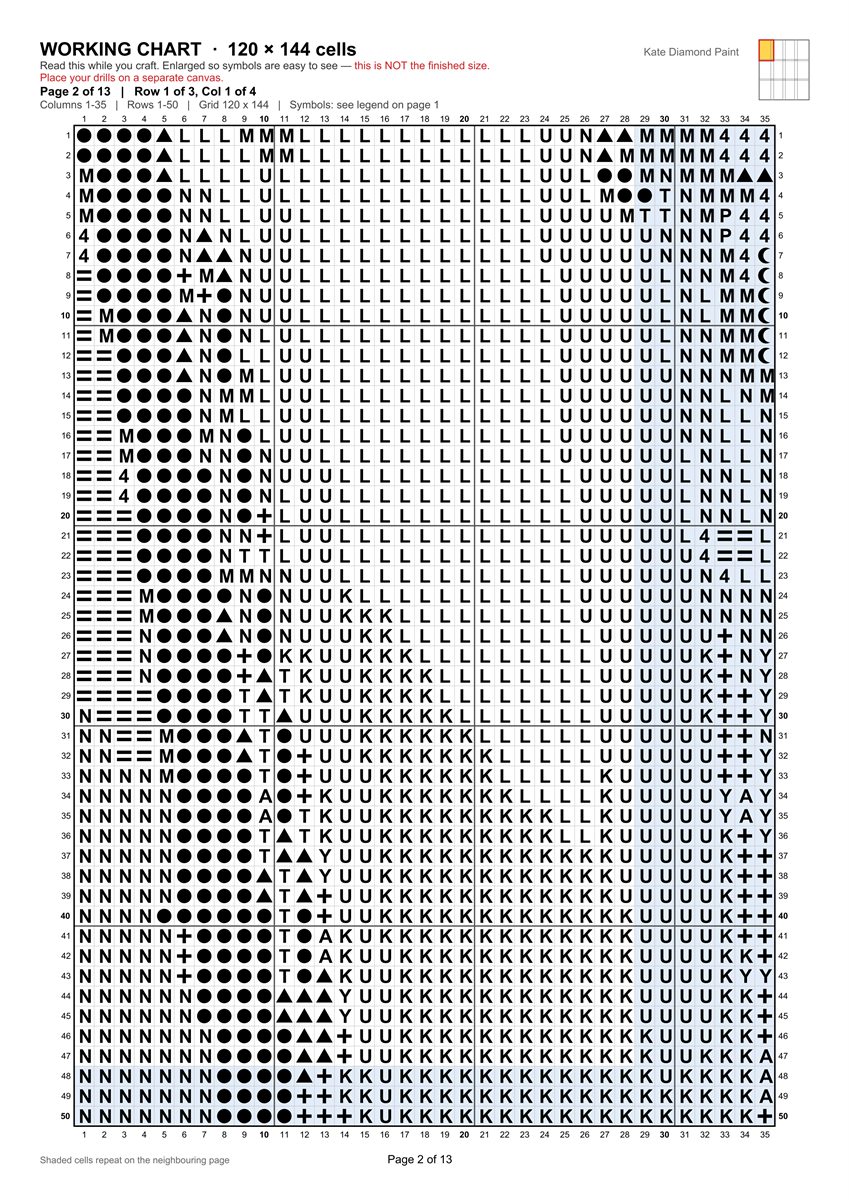
Clear symbols, a colour legend, and drill counts for every colour — printed true to scale, so you know exactly what to order.
Save, rename, and reopen your patterns any time. Your work is kept safe on your device.
No account, no ads, and nothing sent anywhere. Your images and patterns never leave your device.
From your picture to a pattern you can print, step by step.
Start with any photo, drawing, cartoon or piece of artwork. Kate turns it into a diamond painting pattern, matching each colour to a real DMC drill for true-to-life results.
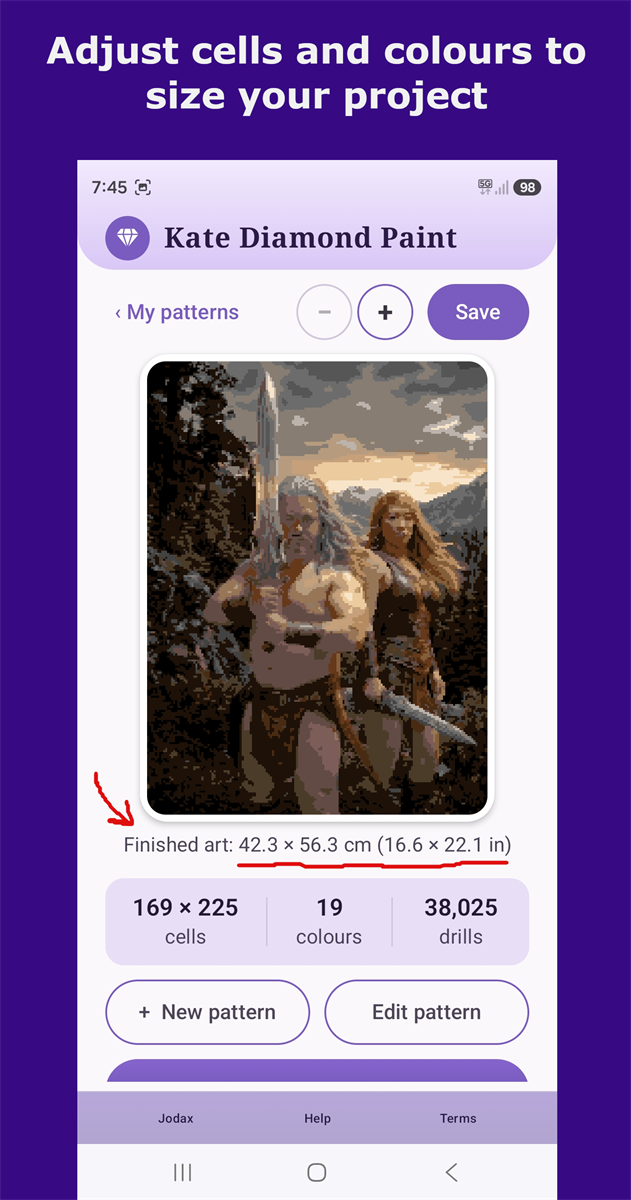
Decide how big your finished piece will be. As you adjust, Kate shows the finished dimensions and exactly how many drills you'll need.
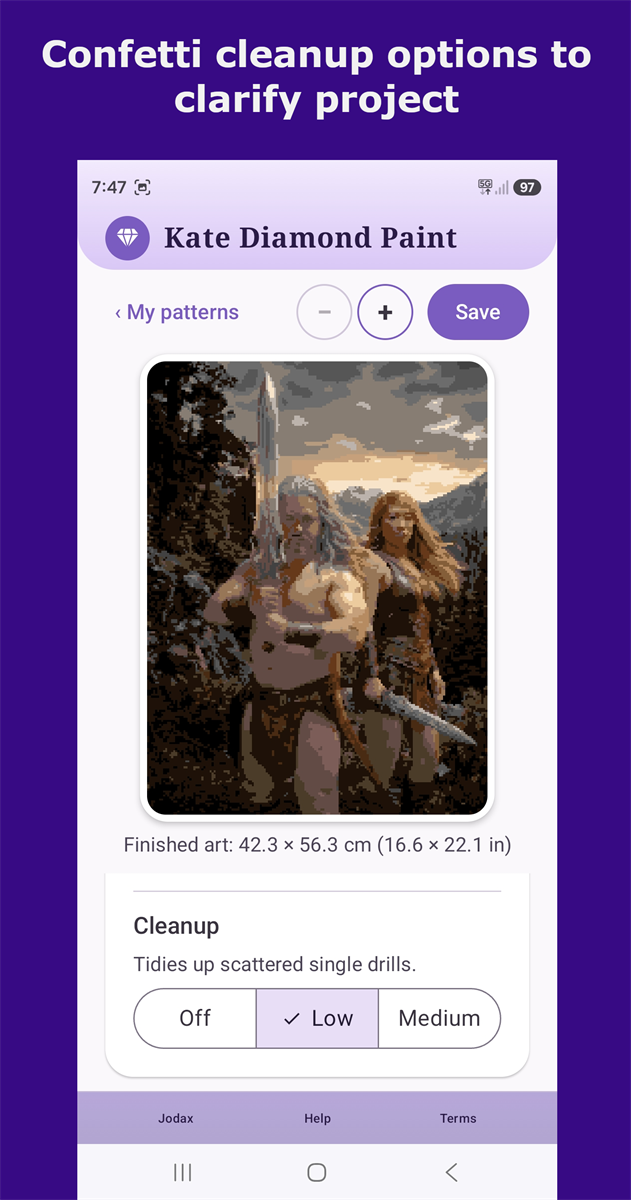
Kate tidies away scattered single drills — the “confetti” that makes patterns fiddly — so your pattern is cleaner and much easier to place.
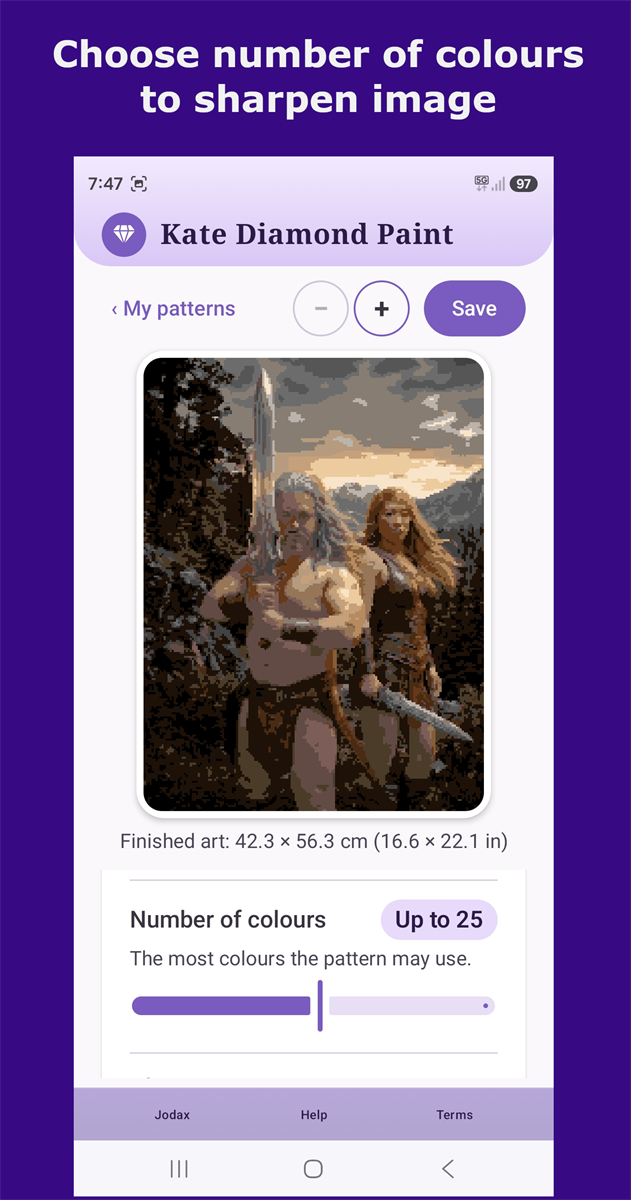
Choose how many colours your pattern uses: fewer for a simpler, bolder look, more for fine detail.
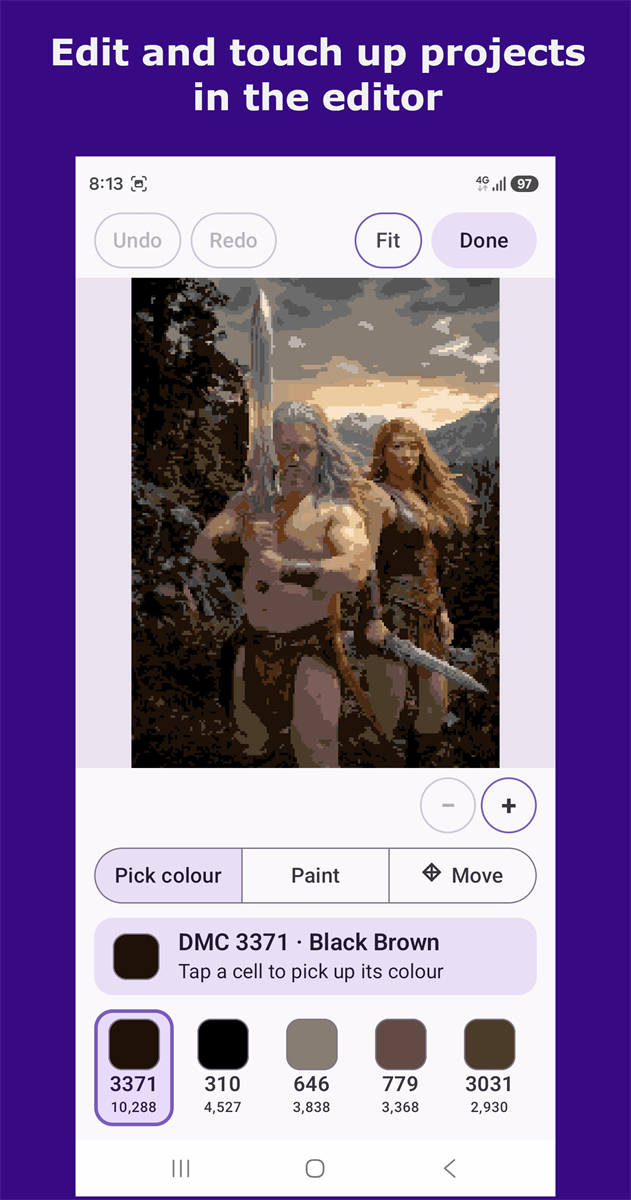
Zoom right in and recolour individual drills to get every detail just the way you want it.
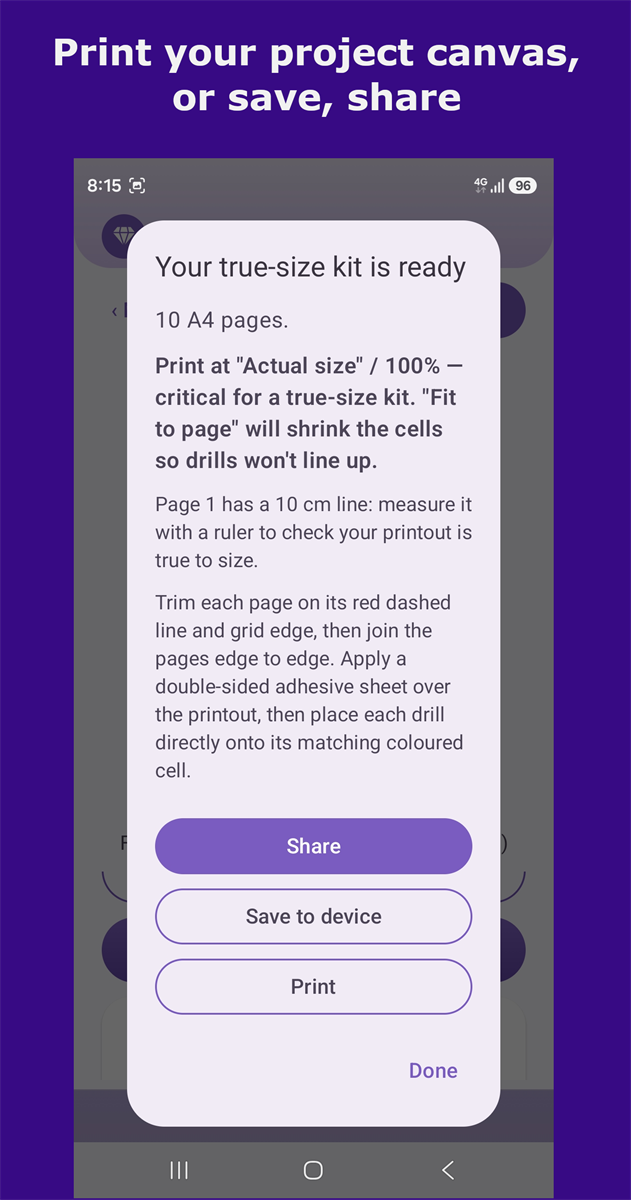
Export your finished pattern as a PDF to print at home, share, or save to your device. Printing and export come with the one-time unlock.
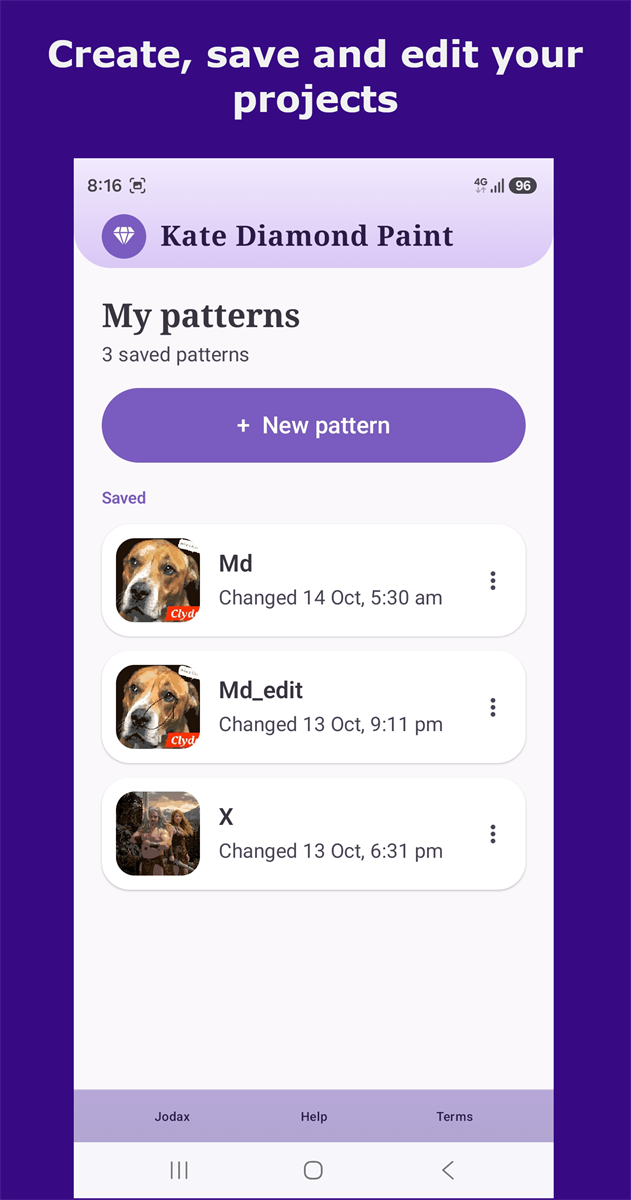
Save your projects, rename them, and reopen them any time. They're kept on your device, so you can pick up right where you left off.
Samsung DeX lets you plug a Samsung phone into a monitor or TV and use it like a desktop, with a mouse and keyboard — so you can see your pattern on a large screen and edit comfortably while your phone does the work. You don't need it, but it's lovely for detailed work.
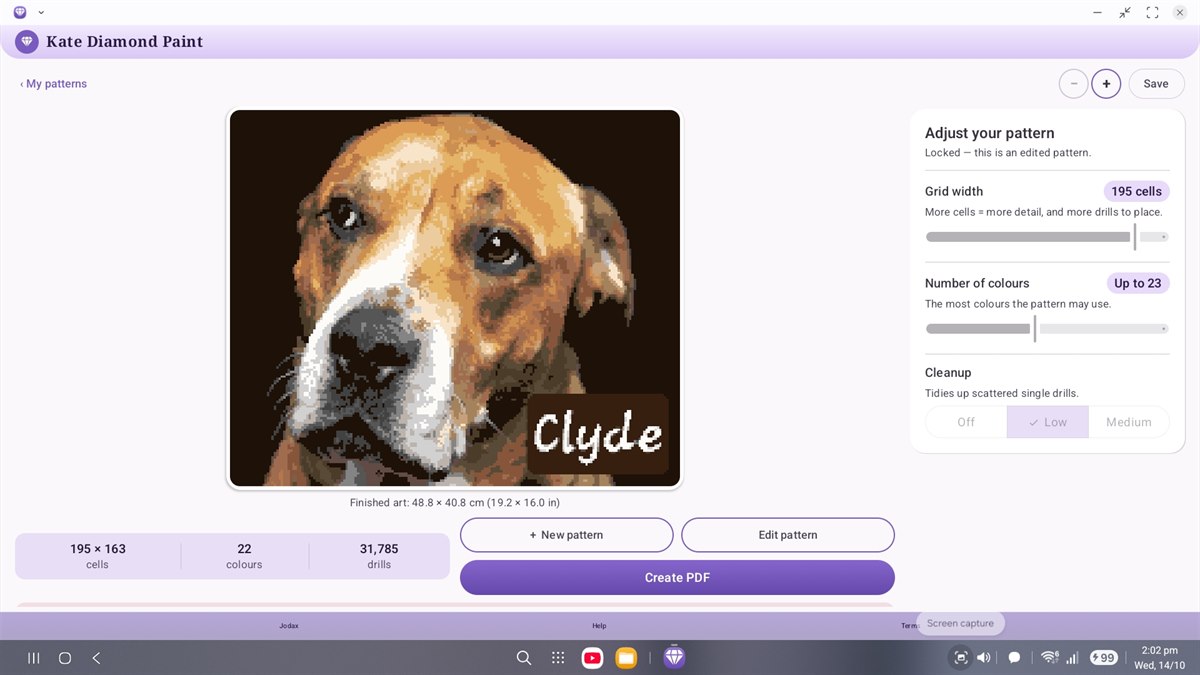
Kate gives you two kinds of printout, so you can work the way you like.
Enlarged symbols that are easy to follow as you work. It isn't the finished size — you read from it and place your drills on a separate canvas.
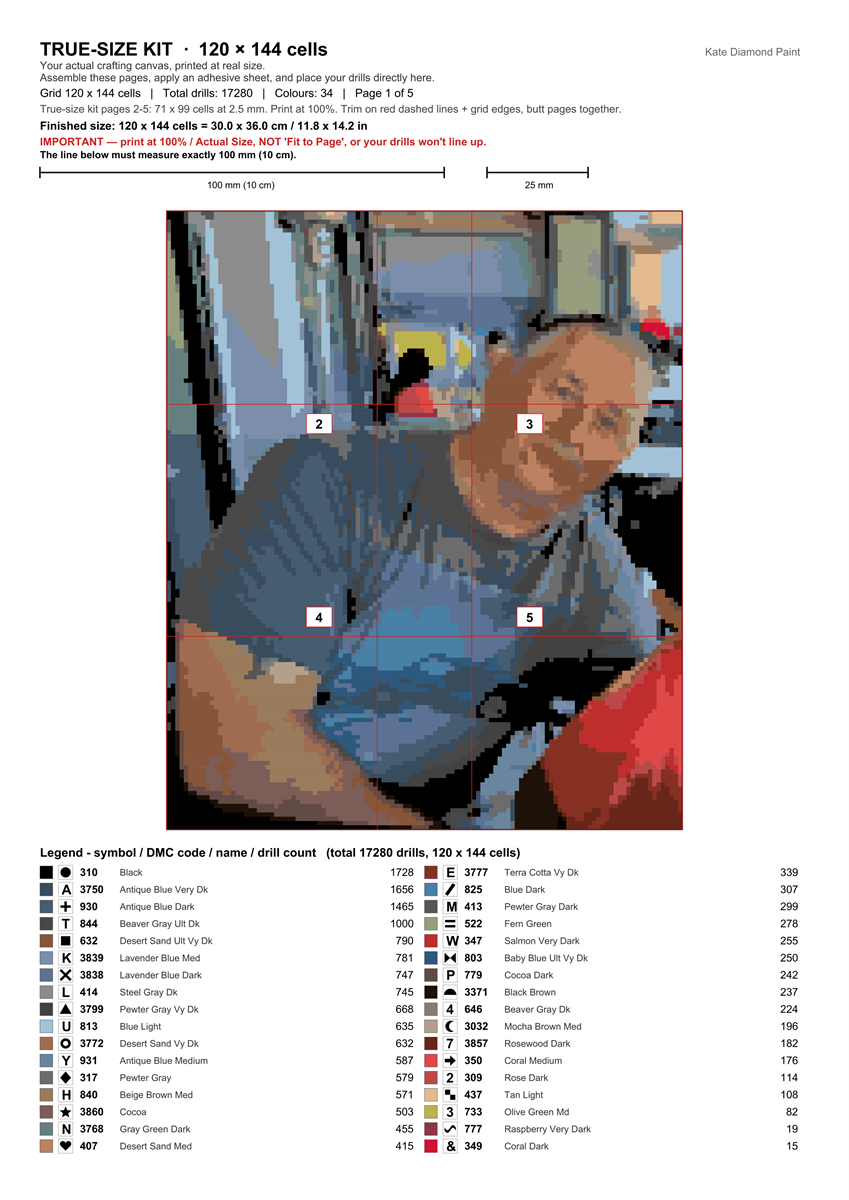
Printed at the real finished size. Print the pages, apply a double-sided adhesive sheet, assemble them, and place your drills straight onto the grid — just like a shop-bought kit.
Tip: print at 100% / Actual Size (not “Fit to Page”) so your drills line up.
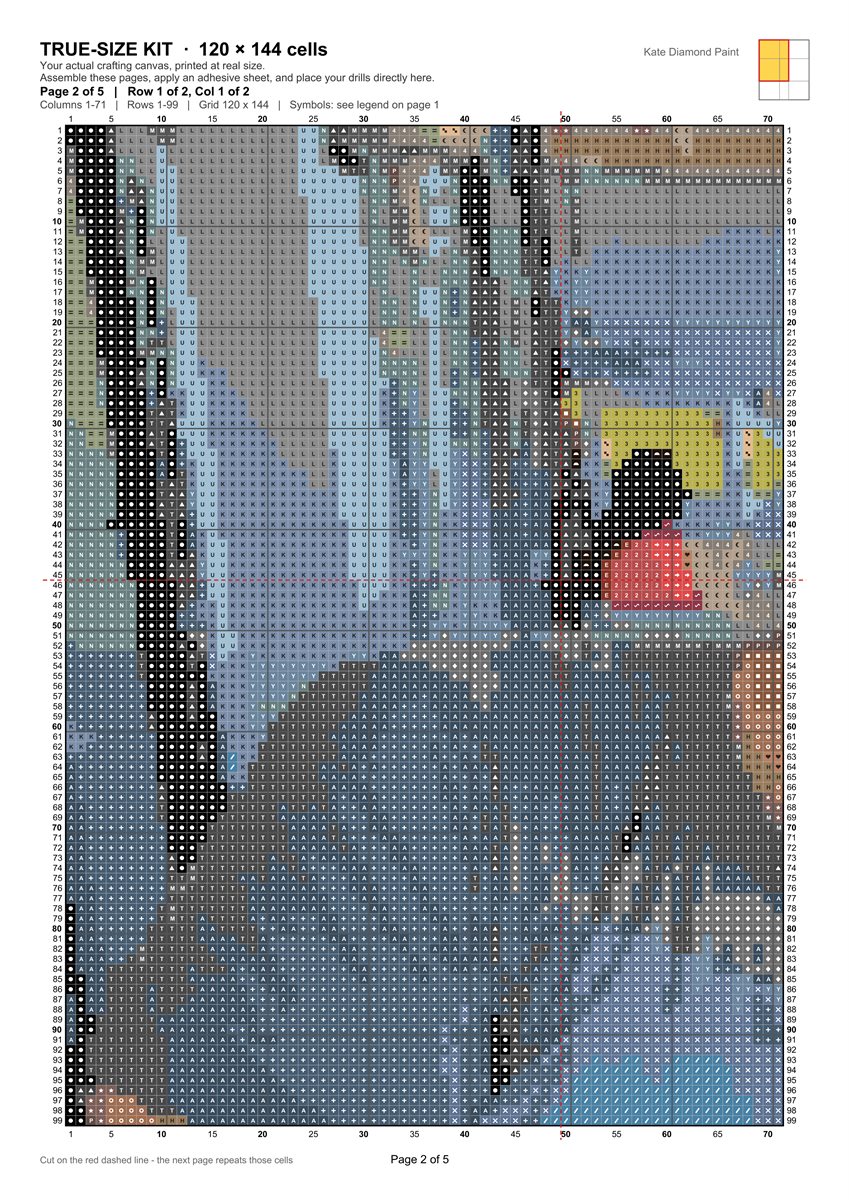
Tap any page to see it larger.
Pick an image, build your pattern, tune the colours, and fine-tune it by hand — all free, so you see exactly how it'll turn out. When you're ready, a one-time unlock (no subscription, ever) lets you print and export your finished patterns.
Available on Google Play